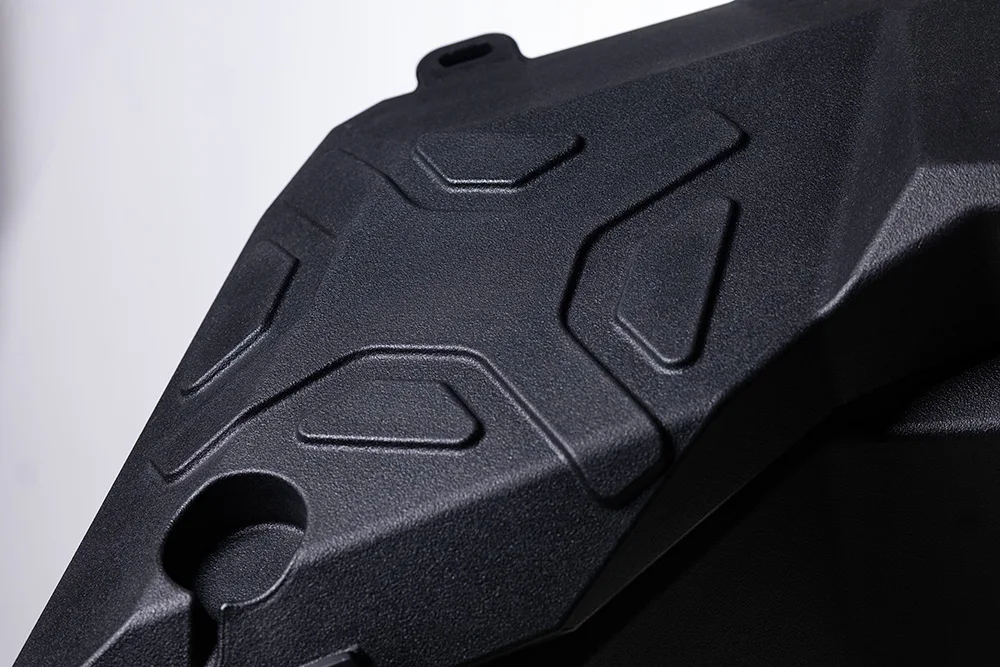
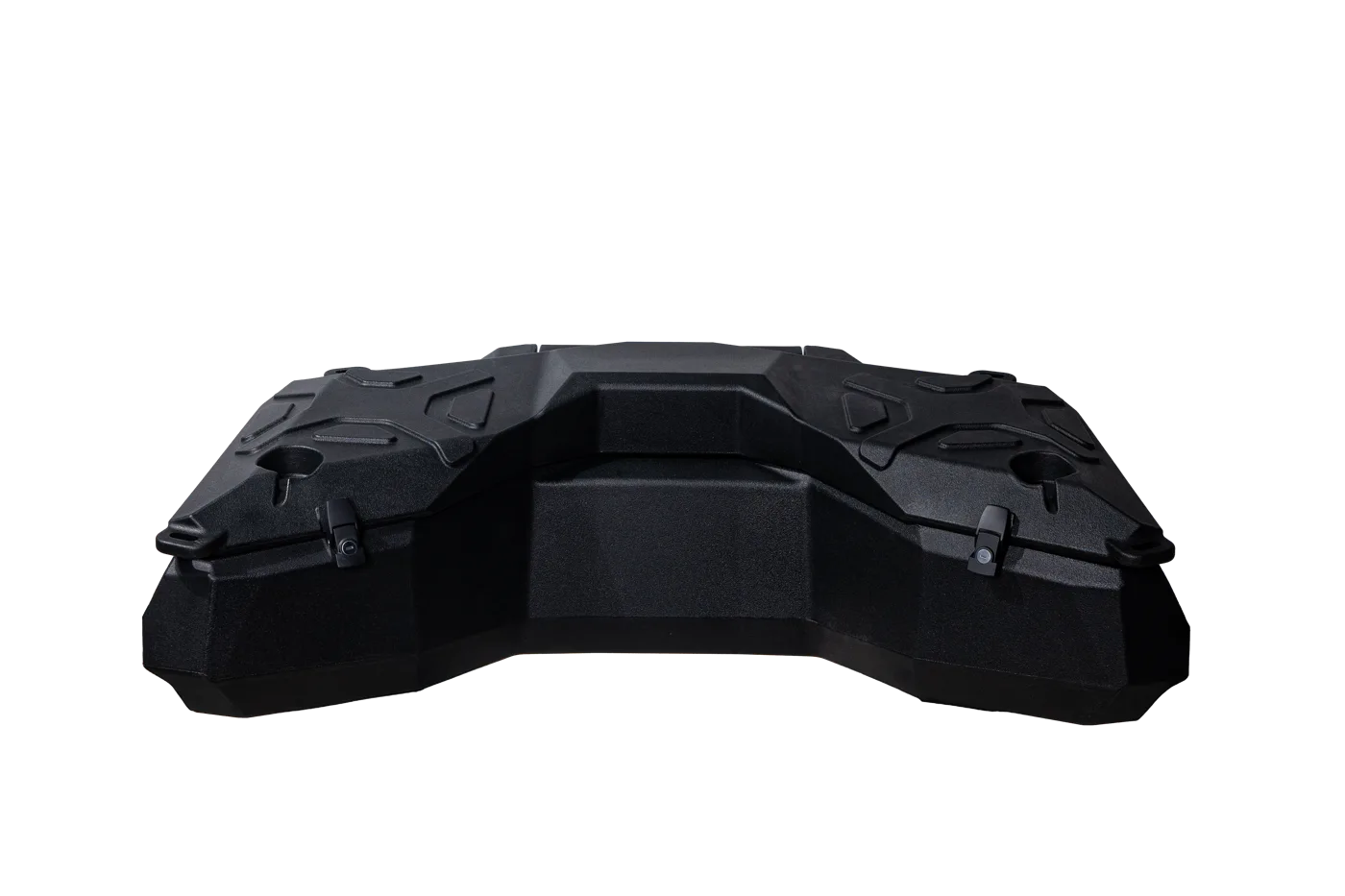
105 LCapacity
10.1 kgNet weight
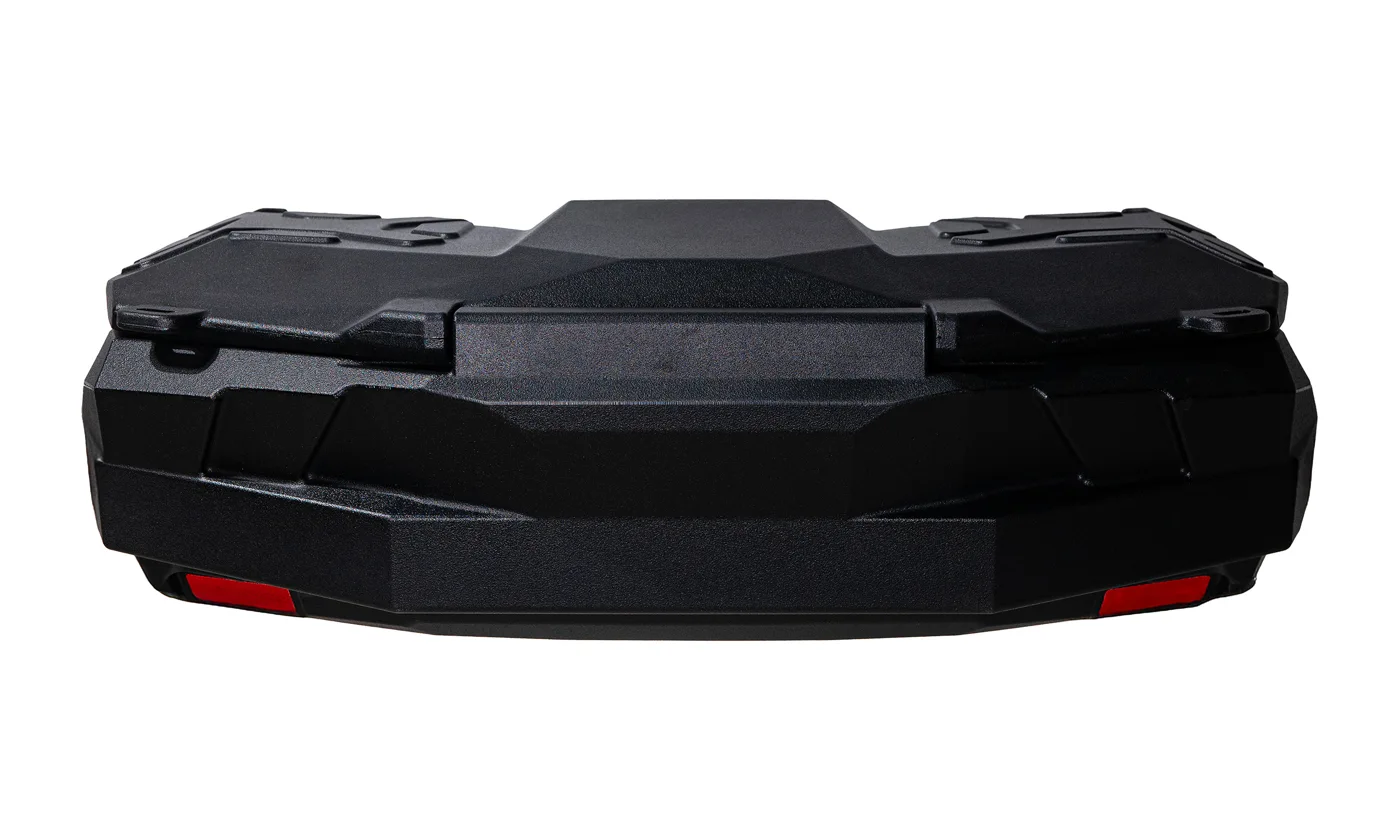
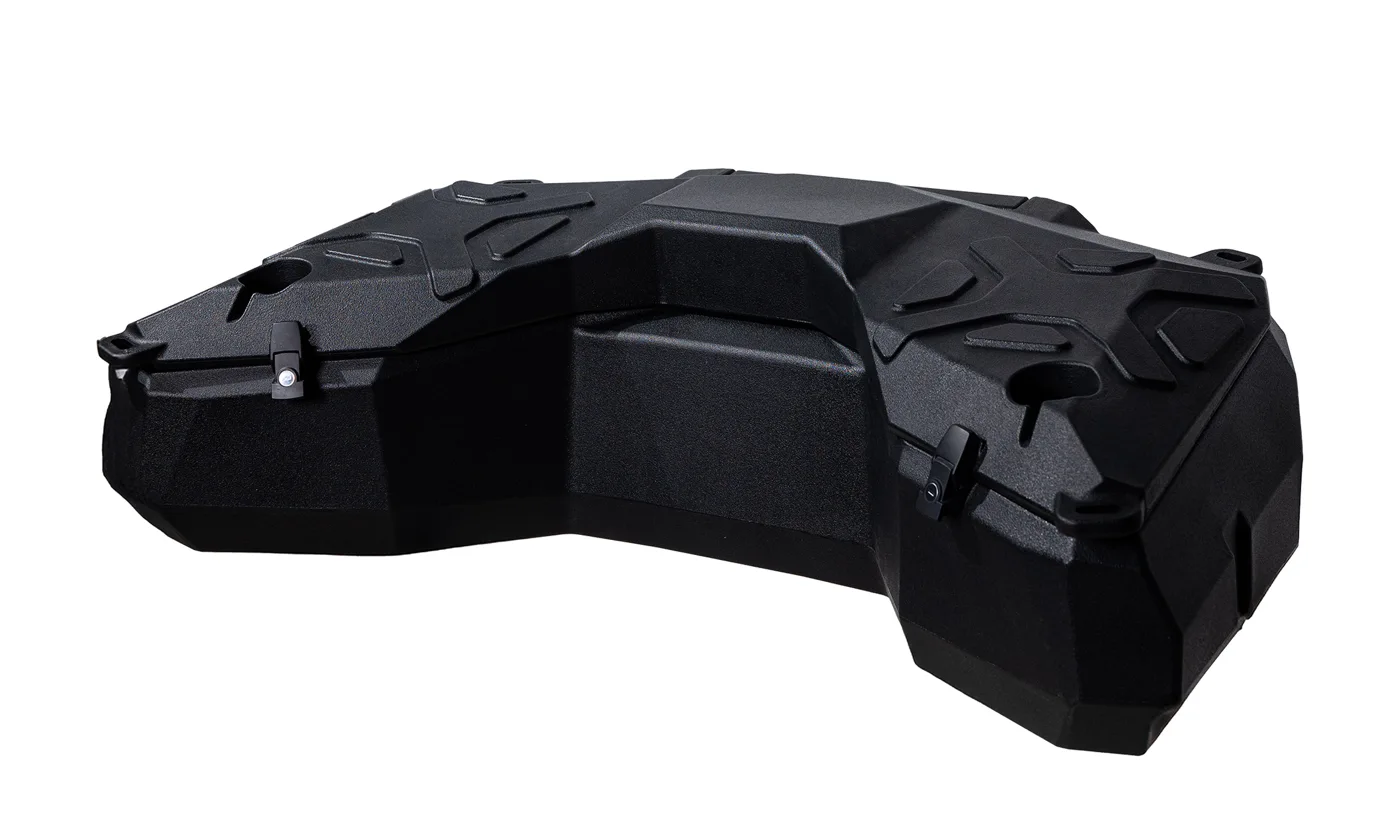
1150 × 670 × 370 mmW × D × H
PolyethyleneMaterial
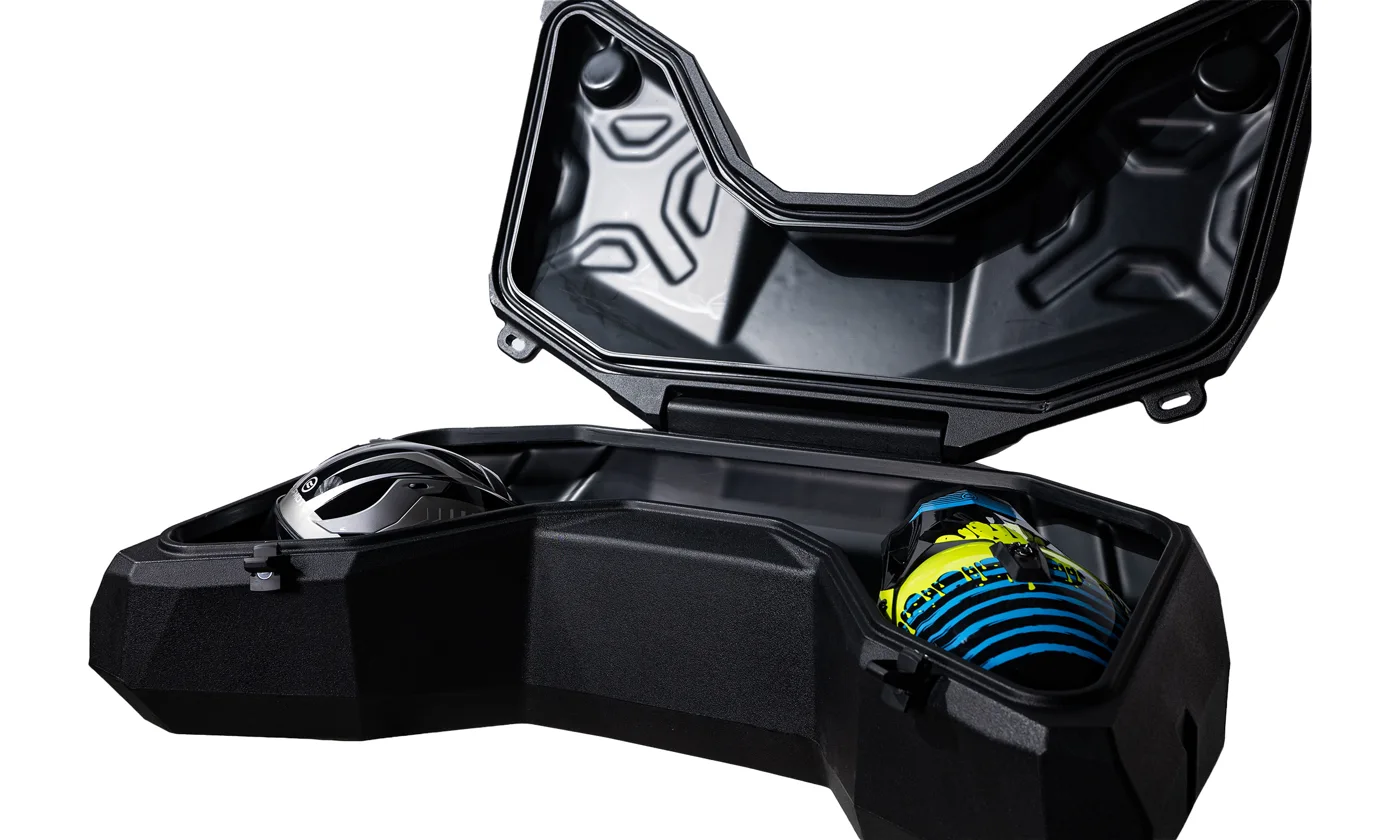 SmartBox Pro / 105 L
01 / Product
Room for
everything.
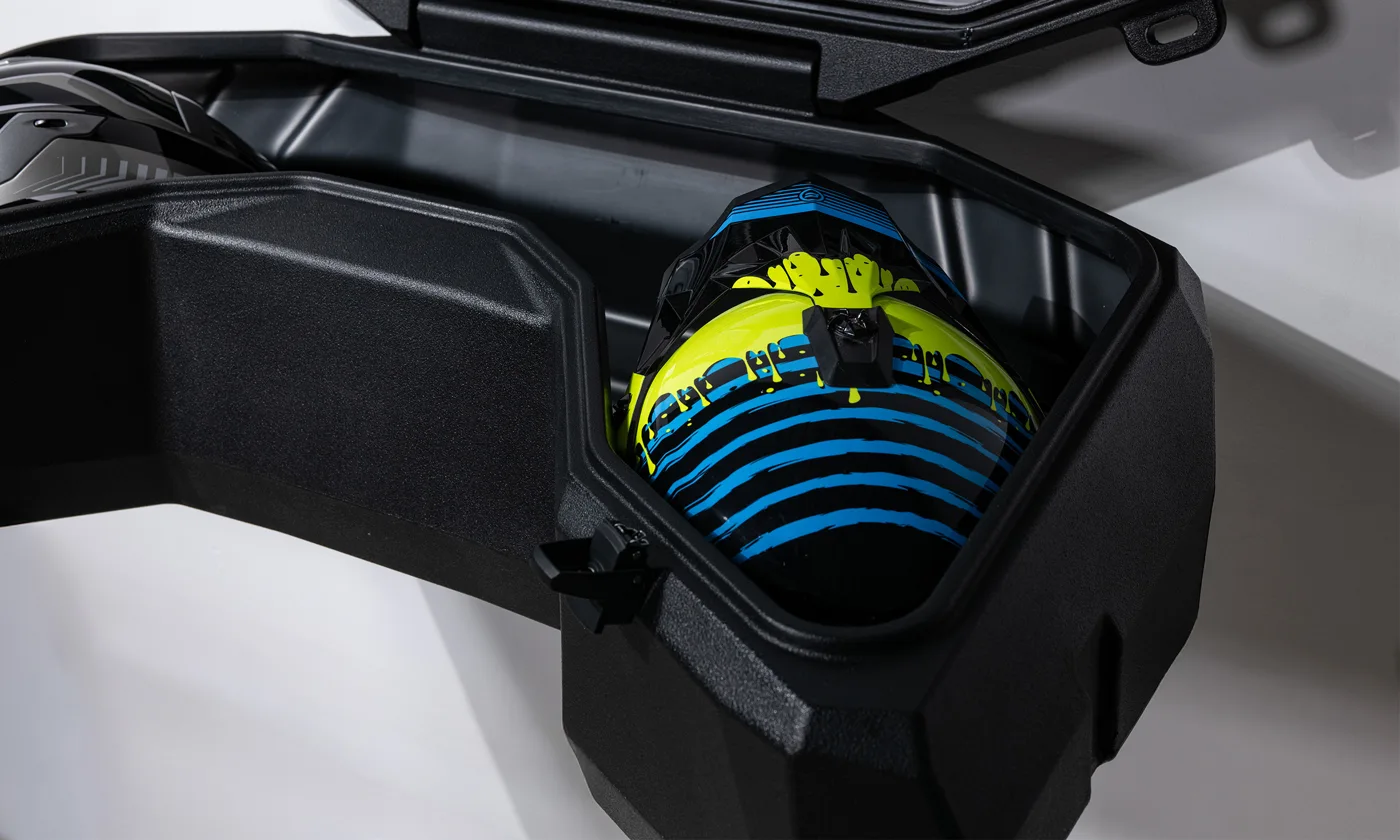
- Two full-size helmets plus gear
- Polyethylene body built for off-road
- Model-specific mounting
02 / Details
Ready from
every angle.
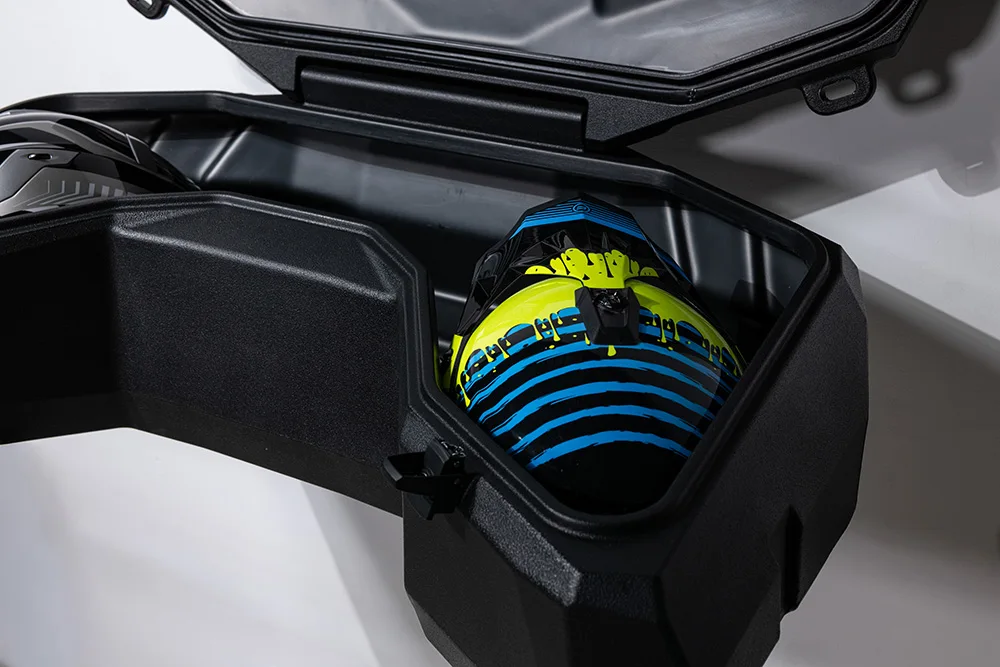
Two helmets
02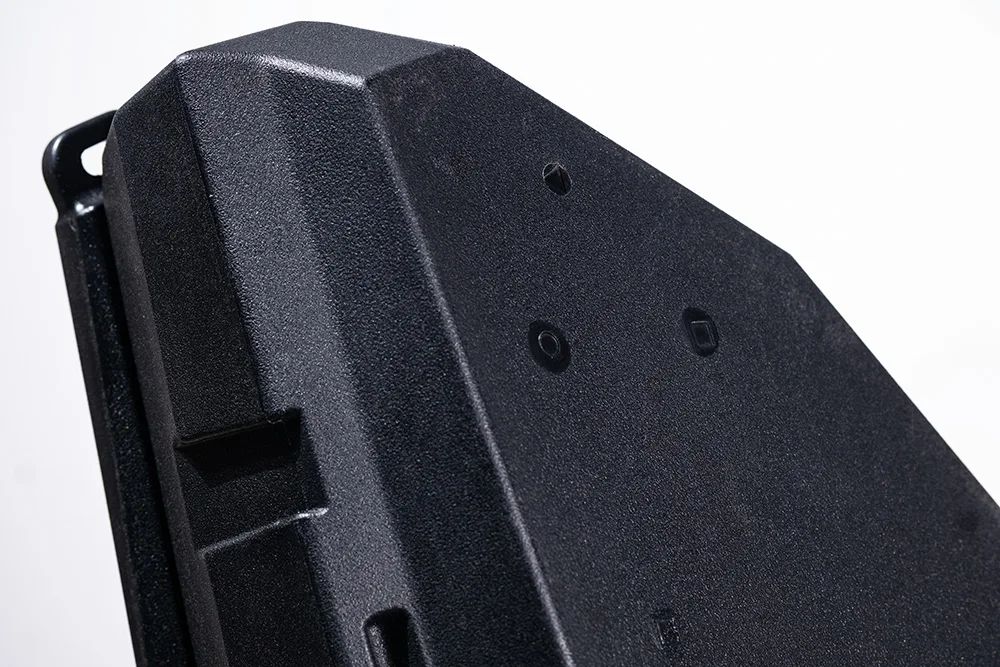
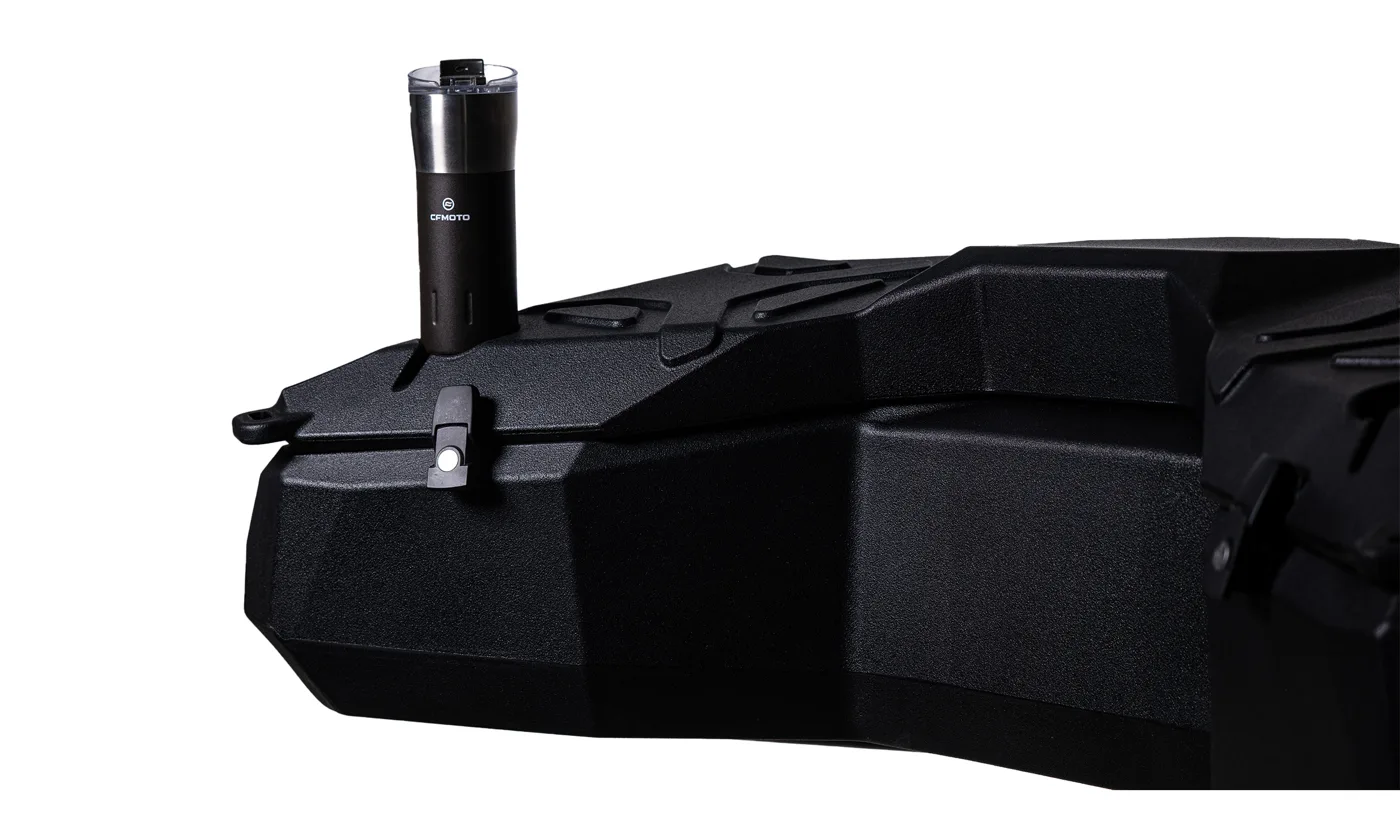
Metal latch
0303 / Gallery
Get
closer.
04 / Installation video
Installation video
Written video summary
The video introduces the mounting hardware and markings on the SmartBox Pro base. Selected mounting points are prepared, the box is positioned on the ATV rear rack, and fasteners are secured from inside. The final shots show the installed box, lid and cup recesses from different angles.




05 / Compatibility
Fits
your ATV?
Pick your brand. Confirm the model year with us before ordering.
Ask about fit →- CFORCE 625Triangle marking
- CFORCE 850 / 1000Square marking · through 2024
- CFORCE 850 / 1000 G3Circle marking · from late 2024
- X CFORCE 450 / 520Plus marking · 2024–2025
- PATHCROSS MAX 1000 L
- PATHCROSS MAX 650 L
- PATHCROSS MUDPRO 1000 LX
- PATHCROSS 1000 S
- PATHCROSS MUDPRO 1000 SX
- SFA 600
- SFA 1000
- Snarler 570
Model year and rack type can affect compatibility.
Thank you for choosing SMARTBOX PRO.
Discover your ATV’s full potential with SMARTBOX PRO, a durable and practical rear storage solution designed for off-road adventures and everyday use.
Manufactured from high-quality polyethylene, SMARTBOX PRO provides additional storage space for helmets, equipment and other personal belongings.
Designed for use with compatible ATV models, SMARTBOX PRO combines practicality and durability to support your riding experience.
01Product Information
| Specification | Details |
|---|---|
| Product | SMARTBOX ATV Rear Storage Box |
| Material | Polyethylene |
| Storage capacity | 105 litres |
| Product weight | 10.1 kg |
| Dimensions | 1,150 × 670 × 370 mm |
Specifications shown are published on the SMARTBOX website and must be confirmed for the exact version supplied.
02Important Safety Information
WARNING — Read these instructions carefully before installing or using your SMARTBOX.
For your safety and optimal performance, installation by an authorized or qualified ATV dealer is strongly recommended.
Incorrect installation or improperly secured mounting components may cause the storage box to become detached during use, resulting in injury or property damage.
Before installation
- Ensure that the SMARTBOX is compatible with your ATV model and rear luggage rack.
- Use only the mounting components and installation method approved for your vehicle.
- Do not modify the ATV’s chassis or luggage rack without the vehicle manufacturer’s authorization.
- Check that the box, locking mechanisms and supplied mounting components are undamaged.
During use
- Never exceed the maximum permitted cargo load specified for the SMARTBOX or the ATV’s rear luggage rack. The rack load includes the weight of the box, mounting components and contents.
- Distribute the load evenly and secure loose items inside the box.
- Always ensure that the lid is properly closed and locked before riding.
- Check that all mounting fasteners are correctly secured before every ride.
- Do not use the SMARTBOX to transport animals.
- Do not sit or stand on the storage box.
- Do not operate the ATV if the storage box or its mounting system is loose, damaged or incorrectly installed.
- Ensure that the installed box does not obstruct vehicle lighting, the registration plate, or the safe operation of the ATV.
03Compatible ATV Models and Mounting Patterns
The underside of the SMARTBOX features shape indicators corresponding to the mounting positions of certain ATV models.
| ATV model | Mounting pattern |
|---|---|
| CFORCE 625 | ▲Triangle |
| CFORCE 850 / 1000 — earlier generation (before G3) | ■Square |
| CFORCE 850 / 1000 G3 — from late 2024 | ●Circle |
| X CFORCE 450 / 520 — 2024–2025 | ✚Plus |
| CFORCE C5 family — 2026, including C5, C5 EPS and Long versions | Confirmation required |
| CFORCE C6 family — including C6 PRO / C6 PRO Touring | Confirmation required |
IMPORTANT: C5 and C6 mounting configurations must be checked and approved by the SMARTBOX manufacturer before installation. Do not drill the box or use an existing mounting pattern for these models without confirmation.
Model year alone may not establish compatibility. Always verify the ATV’s actual rear-rack configuration.
- PATHCROSS MAX 1000 L
- PATHCROSS MAX 650 L
- PATHCROSS MUDPRO 1000 LX
- PATHCROSS 1000 S
- PATHCROSS MUDPRO 1000 SX
- SFA 600
- SFA 1000
- Snarler 570
For AODES, QJ MOTO and SEGWAY models, the SMARTBOX website lists compatibility but does not identify the mounting patterns. Consult your authorized dealer for the appropriate installation instructions and mounting hardware.
04Installation Instructions
IMPORTANT: Install only after confirming compatibility and the correct mounting pattern for your ATV.
For supported models requiring drilling, use an 8 mm drill bit to create the mounting holes in the designated locations on the storage box.
Before drilling, verify that the selected points correspond precisely with the approved mounting system and that no internal components or seals will be damaged.
- Step01
Prepare the mounting system
- Position and secure the four supplied mounting components on the ATV’s rear luggage rack as indicated in Illustration 1.
- Verify that the mounting components are correctly aligned and firmly seated.
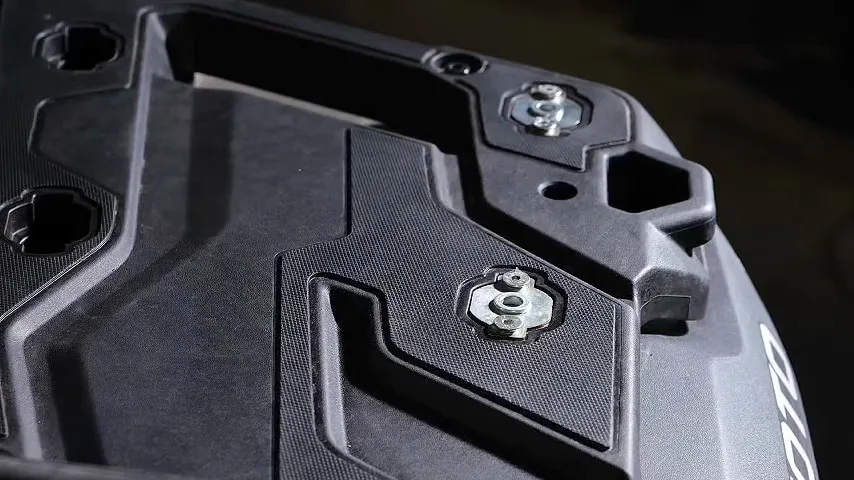
Illustration 1Mounting components secured on the rear rack - Step02
Position the SMARTBOX
- Place the SMARTBOX on the ATV’s rear luggage rack as illustrated in Illustration 2.
- Align the designated mounting holes on the bottom of the box with the four mounting components.
- Ensure that the box sits correctly on the rack without interference.
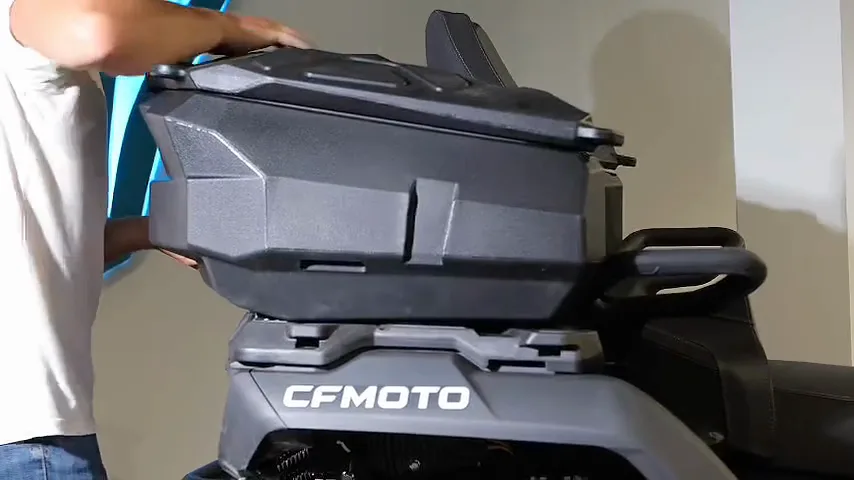
Illustration 2SMARTBOX positioned on the rack - Step03
Insert the fastening components
- From inside the storage box, insert the four supplied fastening knobs through the corresponding mounting holes, as illustrated in Illustration 3.
- Make sure that each fastening component engages correctly with its mounting point.
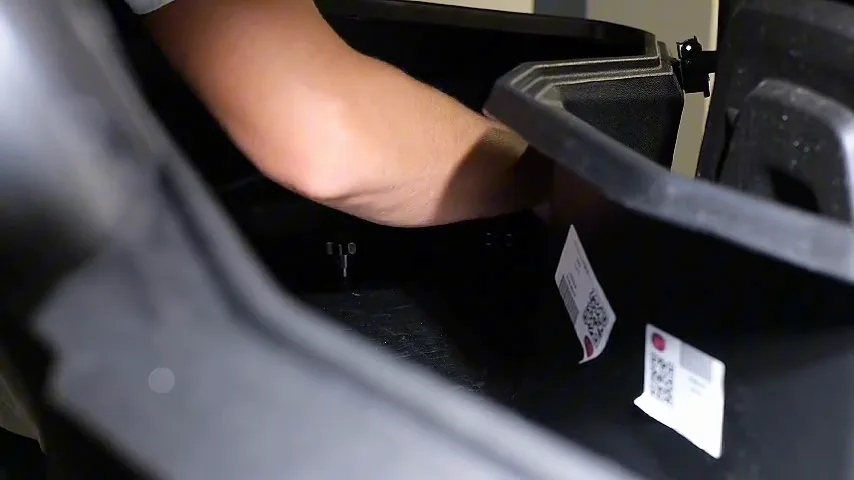
Illustration 3Fastening knobs inserted from inside the box - Step04
Secure the SMARTBOX
- Tighten and secure all four fastening knobs according to the manufacturer’s locking instructions, as shown in Illustration 4.
- Verify that all four fastening points are fully engaged.
- Before riding, check that the SMARTBOX cannot shift or lift away from the rack and that the lid closes and locks correctly.
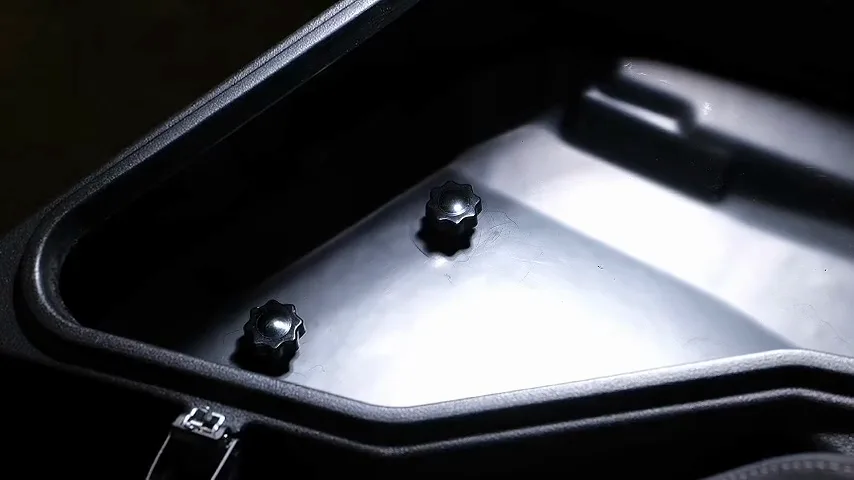
Illustration 4All four fastening knobs tightened
If the mounting points do not align, or if any component cannot be secured correctly, stop the installation and contact an authorized dealer.
05Checks Before Riding
Before each ride:
Inspect the mounting system again after initial use and periodically thereafter.
06Cleaning and Maintenance
To maintain the condition and performance of your SMARTBOX:
- Clean using water and a soft cloth with a suitable mild detergent.
- Regularly inspect the mounting components, locks, hinges and seals.
- Avoid directing high-pressure water jets at the lid seal, hinges or locking mechanism.
- Replace damaged or worn mounting components before further use.
- Store moisture-sensitive belongings in suitable protective packaging. Weather resistance does not guarantee complete watertightness.
07Manufacturer and European Importer Information
Manufacturer
- Company
- SMARTBOX Araç Sistemleri A.Ş.
- Address
- Türkiye
- hello@smartboxgear.com
- Website
- www.smartboxgear.com
Product identification
- Product model
- SMARTBOX PRO
- Country of manufacture
- Türkiye
For installation assistance, product information or safety-related concerns, contact your authorized dealer, the manufacturer or the importer.
08Digital User Manual
This page is the latest available SMARTBOX PRO user manual. The QR code on the printed documentation links here, where additional installation information is also available.
Website: www.smartboxgear.com
Keep these instructions for future reference.